
NCP MEDIA · TUTORIALS

Training videos

See how NCP Media tools work, from your first campaign to managing your website. Pick a guide and follow the steps in your account.

69 video guidesEnglish narrationFree to watch
Find your tool

All training videos

8 categories · Videos and written guides

Marketing and sales

10
2:56 · video

Campaigns

Create, monitor and manage your ad campaigns on Meta (Facebook/Instagram), Google Ads and TikTok from one screen.

Watch tutorial
1:53 · video

Email, SMS and Viber

Send bulk email newsletters, SMS and Viber messages to your contact lists directly from the portal, and see opens and clicks for each campaign.

Watch tutorial
1:25 · video

Leads

All prospects (leads) from Meta, Google and TikTok forms plus manual entries in one list, with status, notes and conversion rate.

Watch tutorial
1:08 · video

Sales CRM

A simple sales CRM: keep every opportunity (deal) with contact, value, due date, appointment and notes, and see at a glance what is pending.

Watch tutorial
2:09 · video

AI Call Center

An AI phone assistant answers your business calls (e.g. after hours or when you can't pick up), takes details, books appointments and emails…

Watch tutorial
1:14 · video

Automations

Automate recurring lead work with "when X happens, do Y" rules: a welcome email, a notification to you, or adding the lead to an…

Watch tutorial
1:13 · video

Contact list

Manage the contacts of a mailing list: add, import CSV, search, exclusions and list settings.

Watch tutorial
1:12 · video

Email campaign

Set up and send an email or SMS campaign: list, subject, sender, content, test and scheduling, with statistics after sending.

Watch tutorial
1:05 · video

Viber campaign

Send Viber messages with an image and button to your lists, with automatic SMS for people without Viber.

Watch tutorial
0:39 · video

Find lead forms

Find the lead forms on your Facebook Pages and choose which ones send leads to the portal automatically.

Watch tutorial

Content creation

5

Reports and results

5

Business management

6

Websites and domains

13
1:53 · video

AI Landing Pages

Create landing pages with AI from a plain description, adjust text and design, and publish them with a ready link or on your own domain in one…

Watch tutorial
1:15 · video

Domains

Manage your domain names: expiry and auto-renew, nameservers, lock, privacy, transfer code (EPP) and DNS.

Watch tutorial
1:22 · video

DNS

Manage the DNS records of your domains: where the website points, where email goes, and service verifications.

Watch tutorial
1:03 · video

SSL certificates

Issue free SSL certificates (Let's Encrypt) for your domains so your website opens with https and a padlock, and track their expiry.

Watch tutorial
1:05 · video

WordPress

Install WordPress on one of your servers in one click. Files, database and admin account are set up automatically.

Watch tutorial
0:51 · video

Website files

View and manage your website files on your server from the browser: upload, edit, create folders and delete.

Watch tutorial
1:25 · video

Website migration

Move your website from another host to an NCP Media server. For WordPress you do it yourself with one file. For other sites our team handles it.

Watch tutorial
0:33 · video

Domain search

Check availability across .com, .net, .org, .eu, .io and .co at once and buy the domain immediately.

Watch tutorial
0:56 · video

Domain order

Complete a domain registration: period, owner details, nameservers and payment.

Watch tutorial
1:27 · video

Subdomains

Create subdomains (e.g. shop.example.com, blog.example.com) on your server with free SSL, and set PHP, redirects, password protection and image…

Watch tutorial
1:16 · video

WordPress staging

Make a copy (staging) of your live WordPress on a subdomain, test changes, updates and themes safely, then push them live in one click.

Watch tutorial
1:14 · video

Site deploy

Upload a new version of your website (files or ZIP), run commands after deploy, and roll back with snapshots if something breaks.

Watch tutorial
1:20 · video

SFTP accounts

Create SFTP accounts to upload files with FileZilla, Cyberduck or WinSCP, or to give a designer or developer access to a single folder.

Watch tutorial

Servers and business email

10
1:42 · video

Servers

Manage your cloud servers: start, stop, restart, metrics, snapshots, upgrades, SSH and web console access, caching and malware scanning.

Watch tutorial
1:07 · video

Server tools

Server tools: create and manage MariaDB databases on any of your servers. The console and scheduled tasks are also reached from here.

Watch tutorial
1:08 · video

Business email

Professional email on your own domain (e.g. info@mycompany.com), compatible with every email app and phone.

Watch tutorial
0:59 · video

Backups

Automatic backups of your whole server (files and databases) with one-click restore.

Watch tutorial
0:52 · video

Uptime monitoring

Monitor whether your websites are online. They are checked every 5 minutes and we email you if they go down.

Watch tutorial
0:35 · video

Service status

NCP Media's public service status page: whether everything works, active incidents and a 90-day history.

Watch tutorial
0:43 · video

Server console

Run allowed commands on your server from the browser, limited to the website folder. Useful for WP-CLI and checking disk space and files.

Watch tutorial
0:52 · video

Scheduled tasks

Run commands on your server automatically on a fixed schedule (cron), e.g. clear the cache every night or sync every hour.

Watch tutorial
1:19 · video

Mailboxes

Manage the email accounts on your domain: new mailboxes, passwords, storage, forwarders/aliases, auto-responders and spam filters.

Watch tutorial
1:19 · video

Email migration

Move your emails into your new NCP Media mailbox from a compatible IMAP server that allows a password or app password.

Watch tutorial

Account and connections

15
1:30 · video

Connected accounts

Connect your accounts (Meta, Google Ads, TikTok, Google Search Console, email marketing, WooCommerce) once, so reports, leads, campaigns and…

Watch tutorial
0:44 · video

Invoices

All invoices and receipts on your account, with payment status and PDF download.

Watch tutorial
0:33 · video

Payments

The history of all your transactions: paid, pending and failed payments, and refunds.

Watch tutorial
0:55 · video

My subscription

Manage your subscription: payment card, active subscriptions, trial, cancellation and invoice history.

Watch tutorial
0:44 · video

Plans and pricing

Compare the platform plans (Starter, Professional, Agency) and start a 14-day free trial or change plan.

Watch tutorial
1:08 · video

Account settings

Your account settings: personal details, password, 2FA, company details for invoicing, billing and email notifications.

Watch tutorial
1:00 · video

Account security

Protect your account with two-factor authentication (2FA): besides your password, a 6-digit code from an app or SMS is required at every login.

Watch tutorial
0:41 · video

Contracts

Your agreements with NCP Media: which are signed, which await your signature, and a view of each contract.

Watch tutorial
0:31 · video

Activity history

Every movement on your account: logins, pages opened and actions, for review and security.

Watch tutorial
0:59 · video

Connect WooCommerce

Connect your WooCommerce store for real revenue, orders, profitability (P&L) and price management.

Watch tutorial
0:35 · video

WooCommerce stores

Your connected WooCommerce stores, their sync status and this month's revenue.

Watch tutorial
0:22 · video

Documents

Invoices, contracts, reports, proposals and other documents NCP Media sends you, in one place.

Watch tutorial
0:39 · video

Sign contract

Read and digitally sign your agreement. The signed contract and its copy are saved to your account. Activating a service that requires payment…

Watch tutorial
0:41 · video

Privacy and rights

See your personal data and exercise your GDPR rights: correction, a copy of your data, and deletion.

Watch tutorial
0:42 · video

Getting started

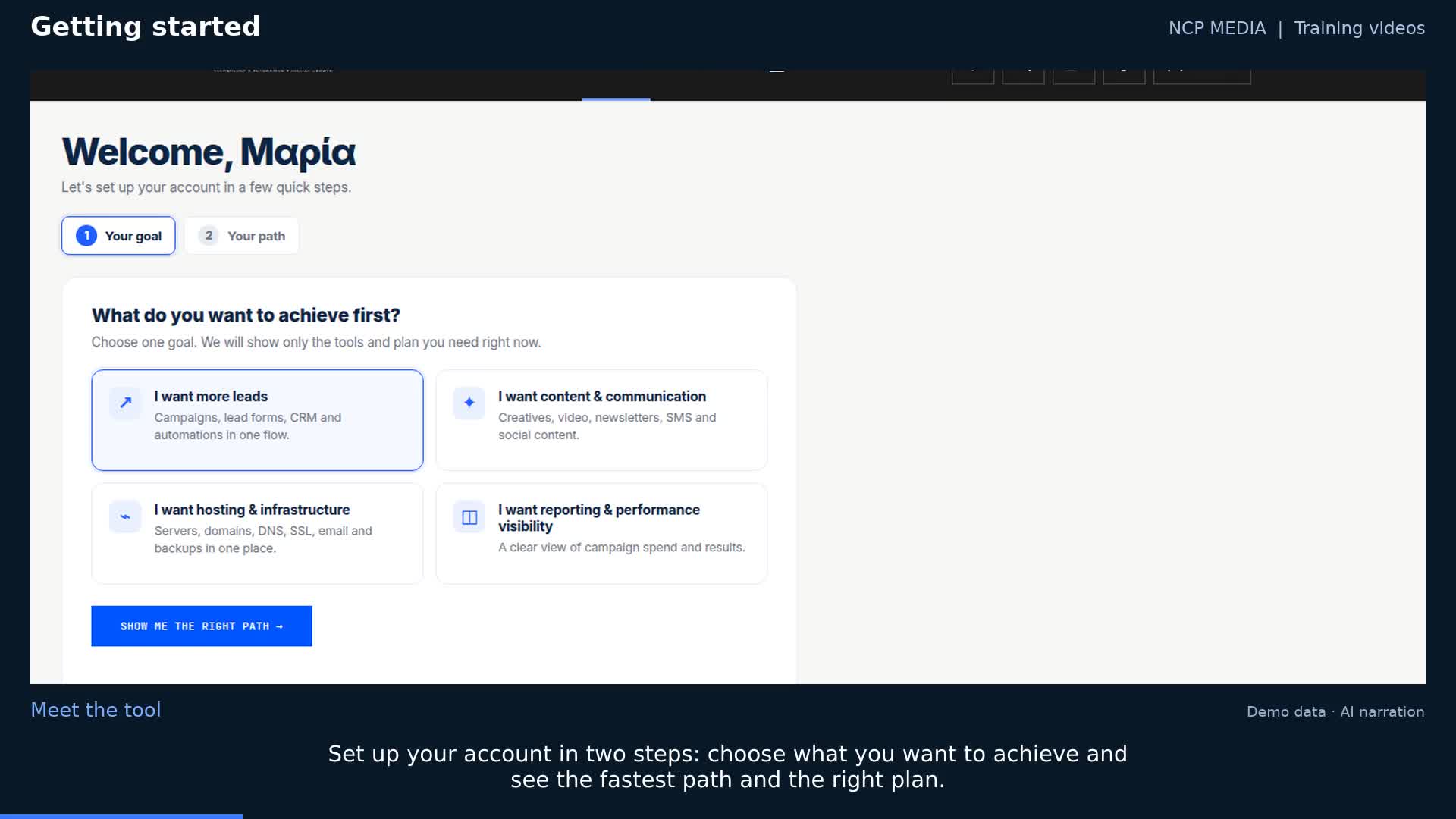
Set up your account in two steps: choose what you want to achieve and see the fastest path and the right plan.

Watch tutorial

Help and support

5

Watch every guide without signing in. To use a tool, sign in to your account; availability depends on your plan and permissions. Each guide has an English video with English AI narration and embedded English captions. Greek videos and written guides are also available.