Campaigns across Meta, Google and TikTok
Plan campaigns, manage budgets and review your connected advertising channels from one place.
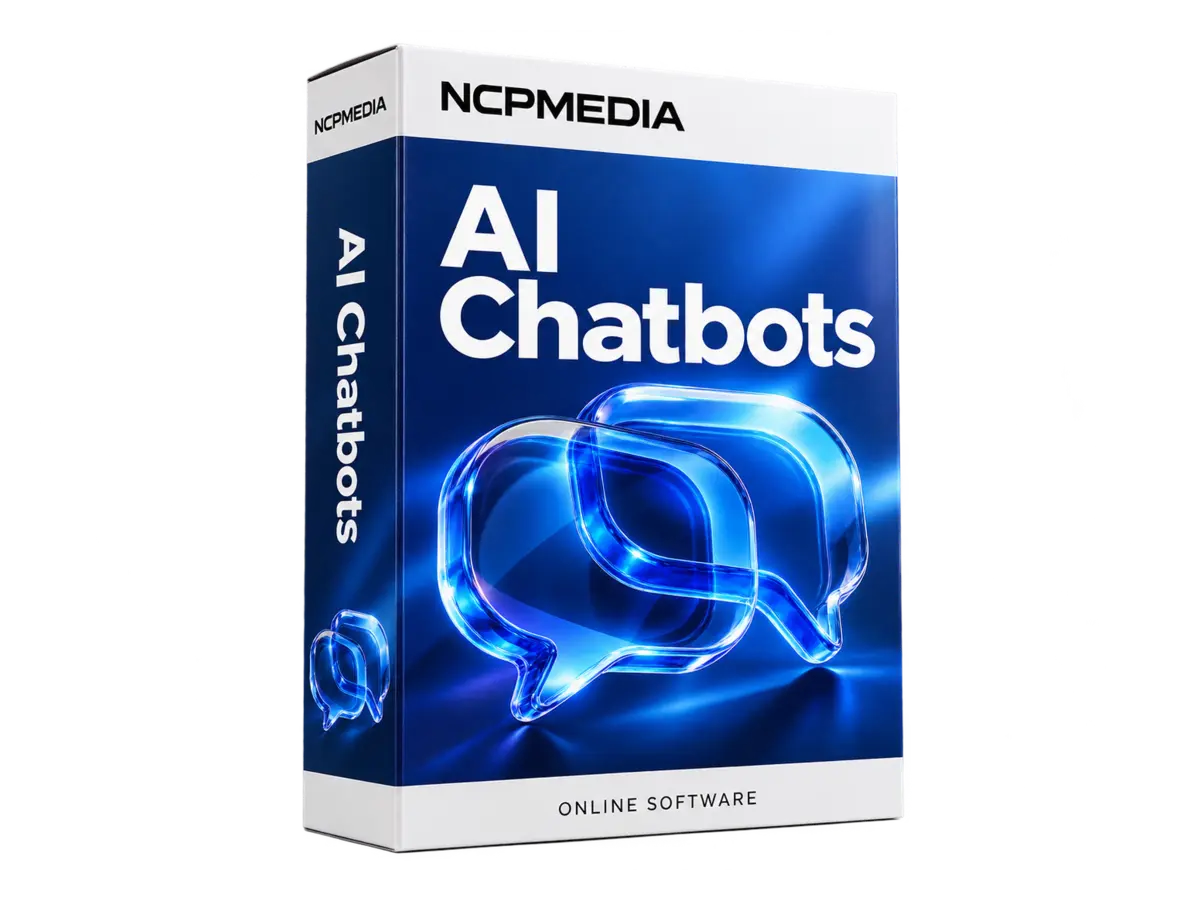
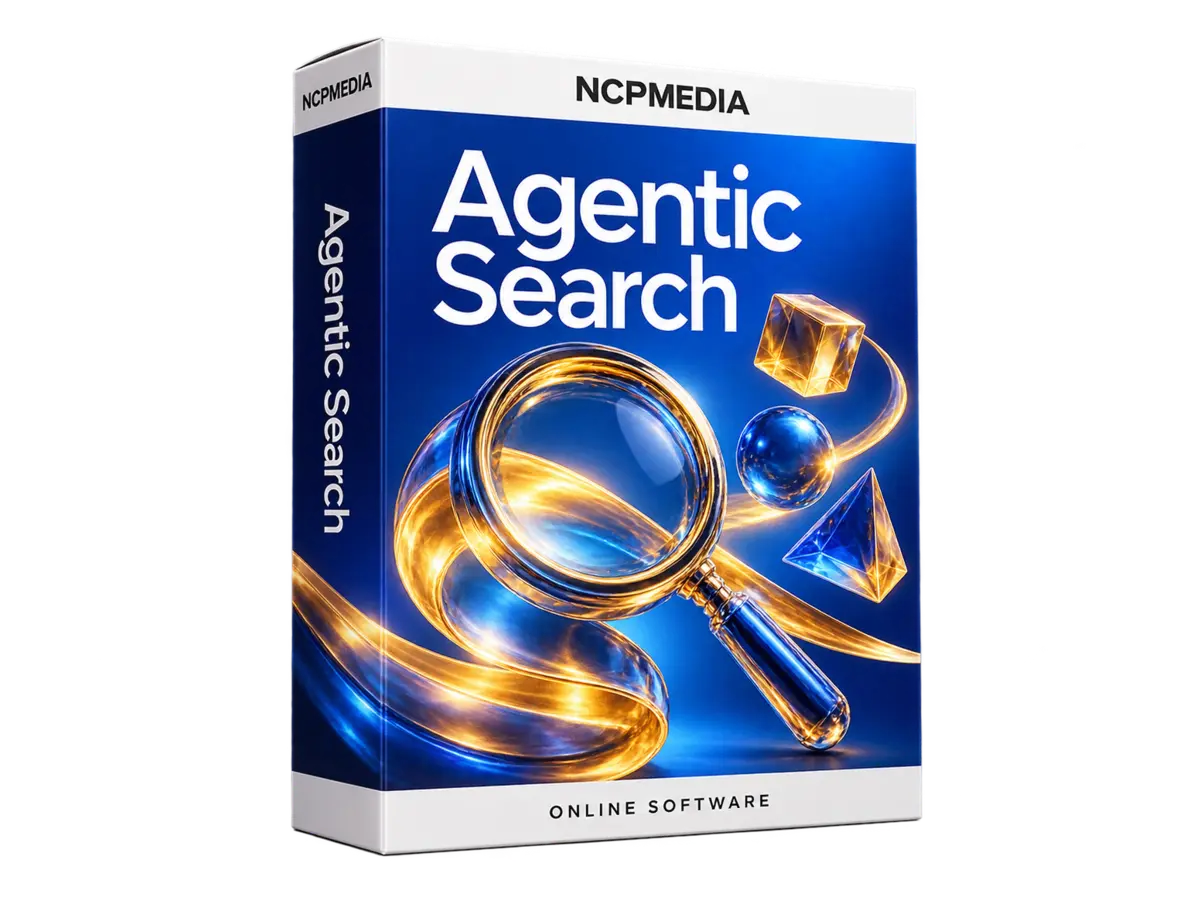
Explore the featuresTrain it with your content and help visitors get answers, right on your website.
Monthly subscription · before applicable taxes
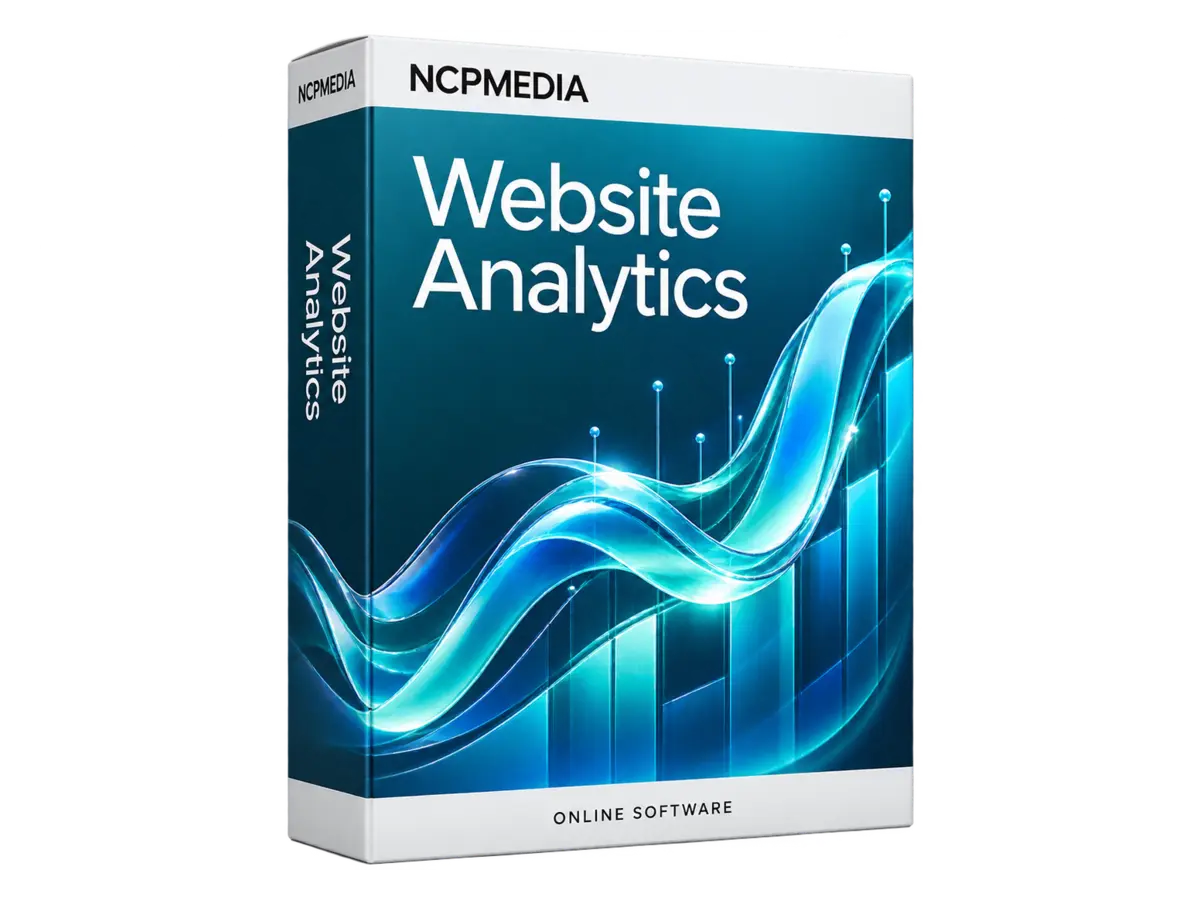
Explore product ↗Visits, sources, campaigns and behaviour. Make your data part of everyday decisions.
Monthly subscription · before applicable taxes
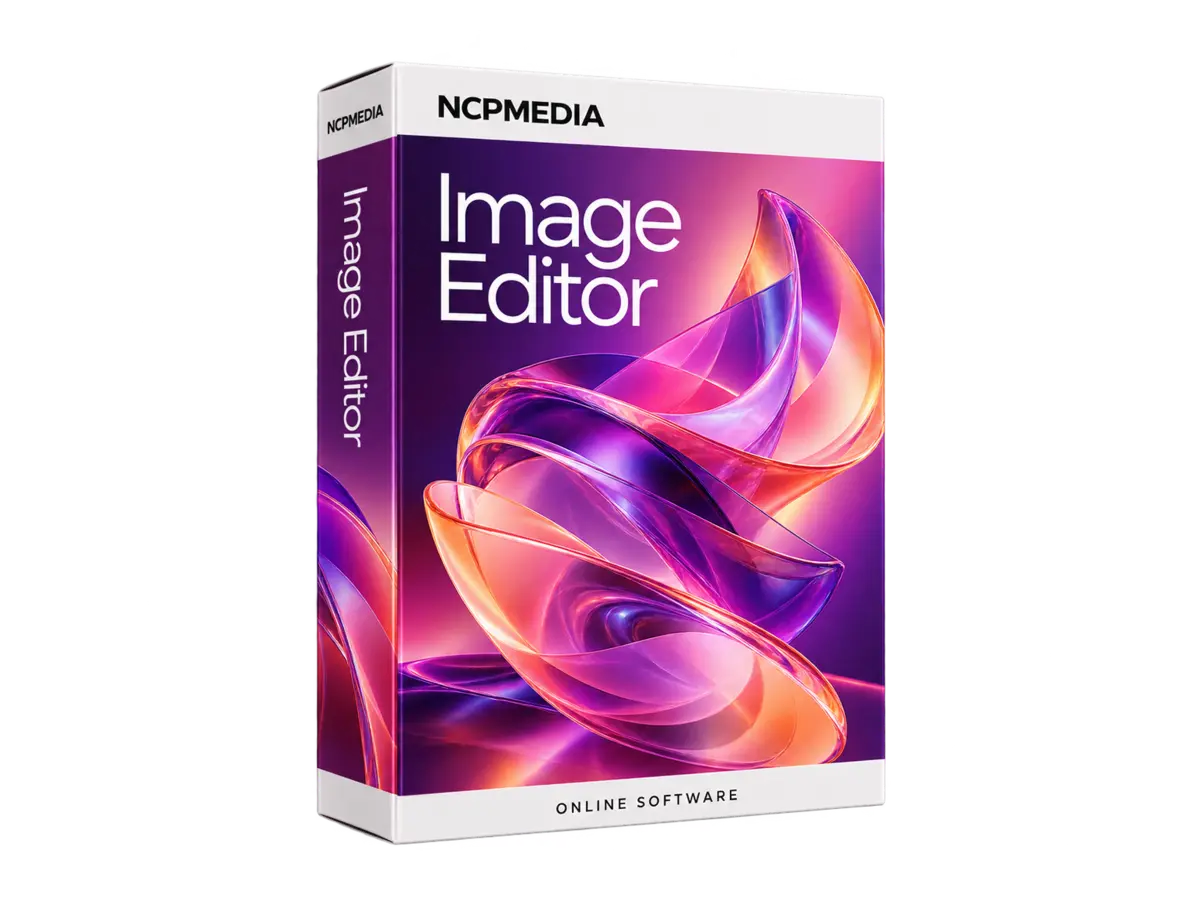
Explore product ↗Editing, text and AI tools for your business photos and creative assets.
Monthly subscription · before applicable taxes
Explore product ↗









From your first campaign to day-to-day business operations. Find tools for advertising, content, customers and cloud, organised in one account.
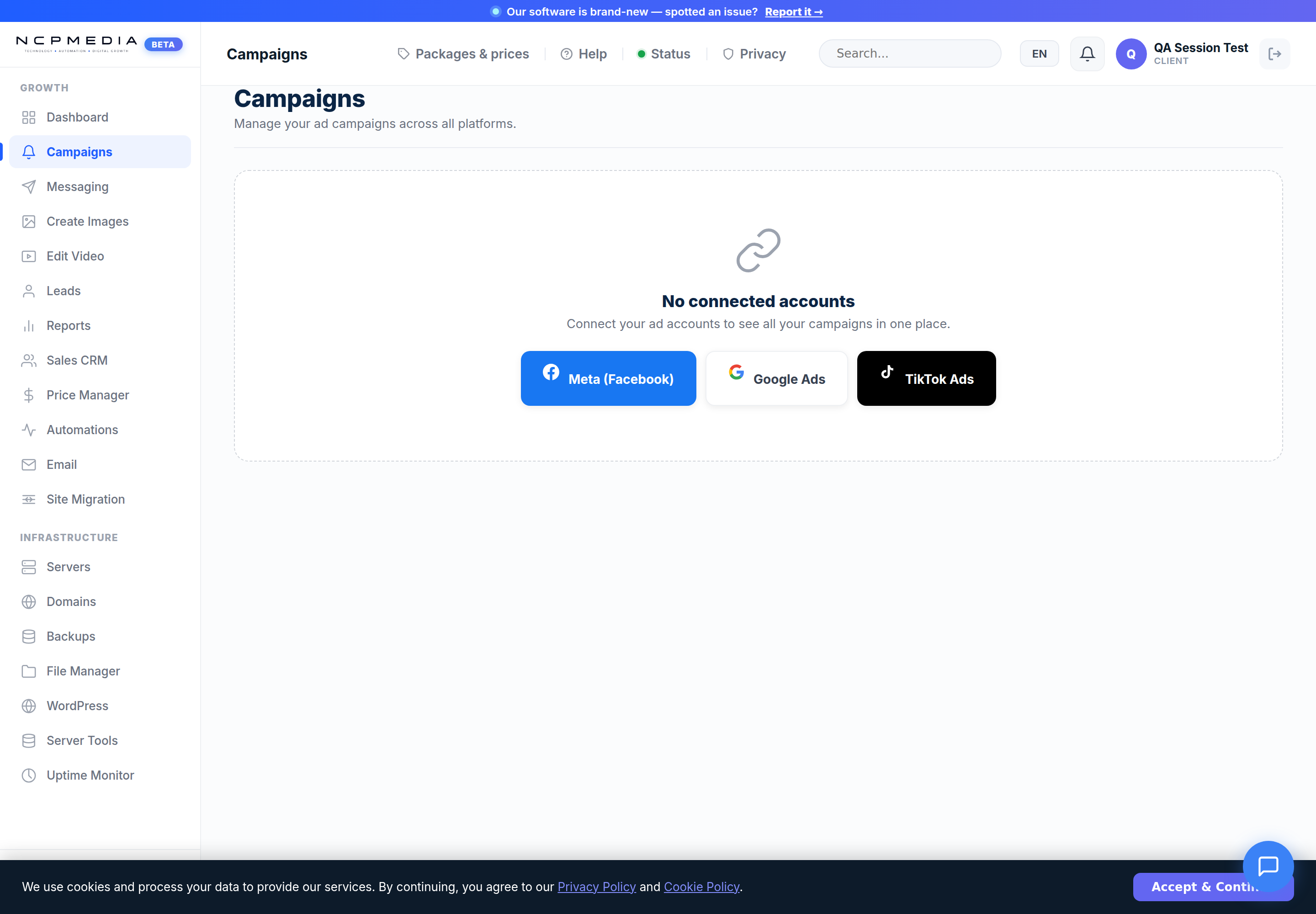
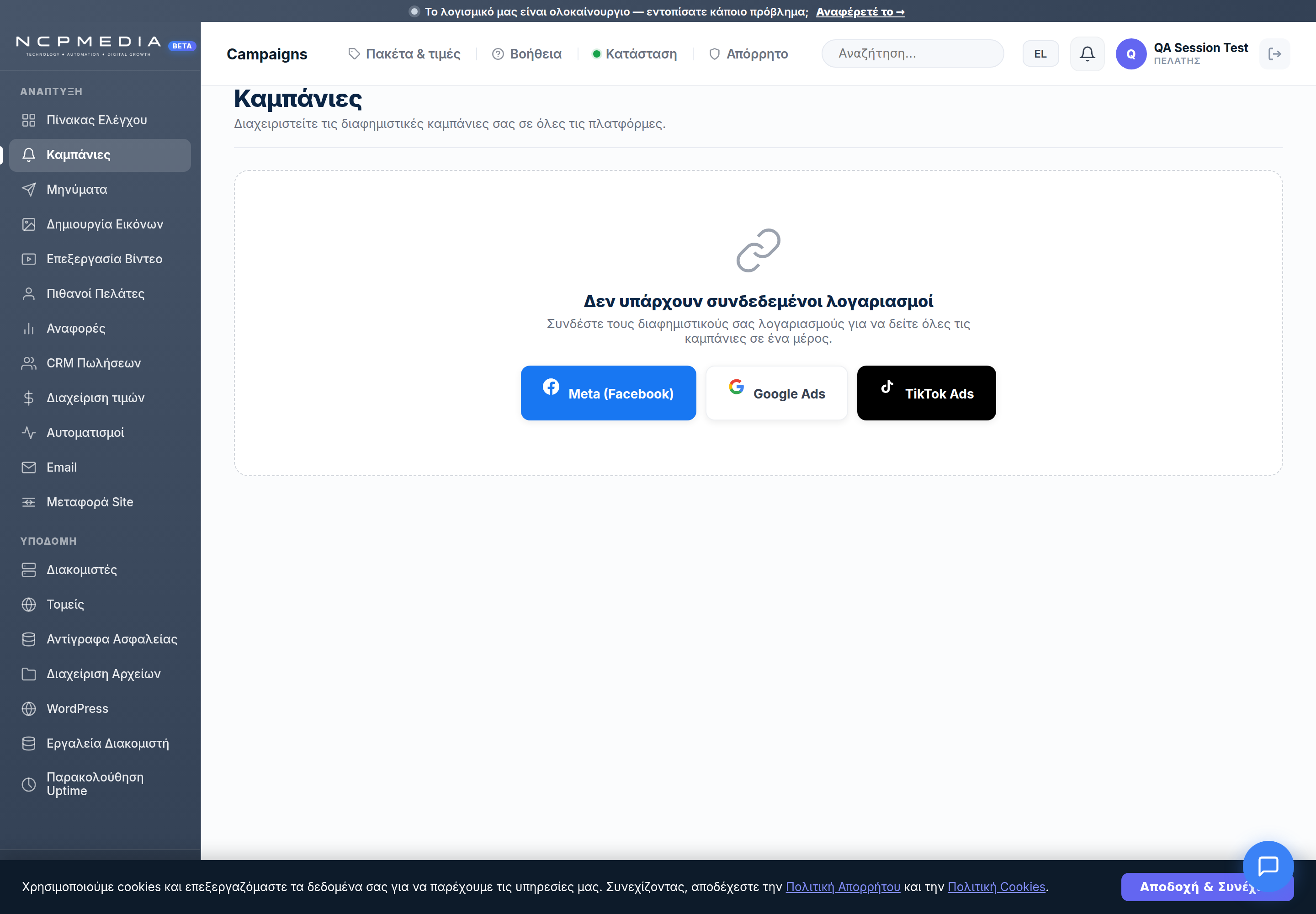
Plan campaigns, manage budgets and review your connected advertising channels from one place.
Explore the features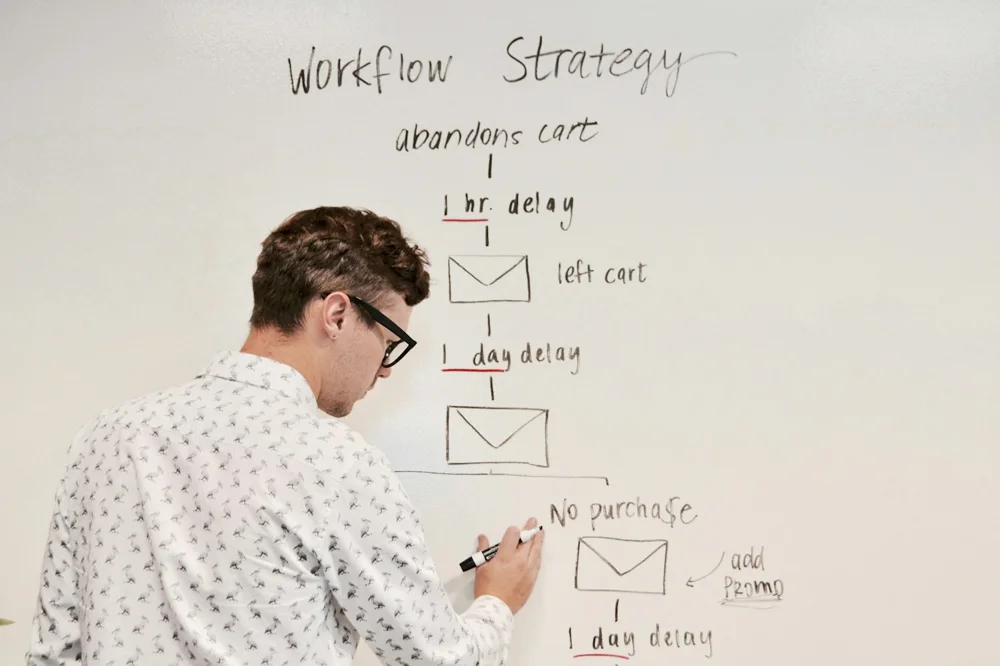
Describe your goal and work with AI on plans, audiences, copy and creatives that reflect your brand identity.
Explore the features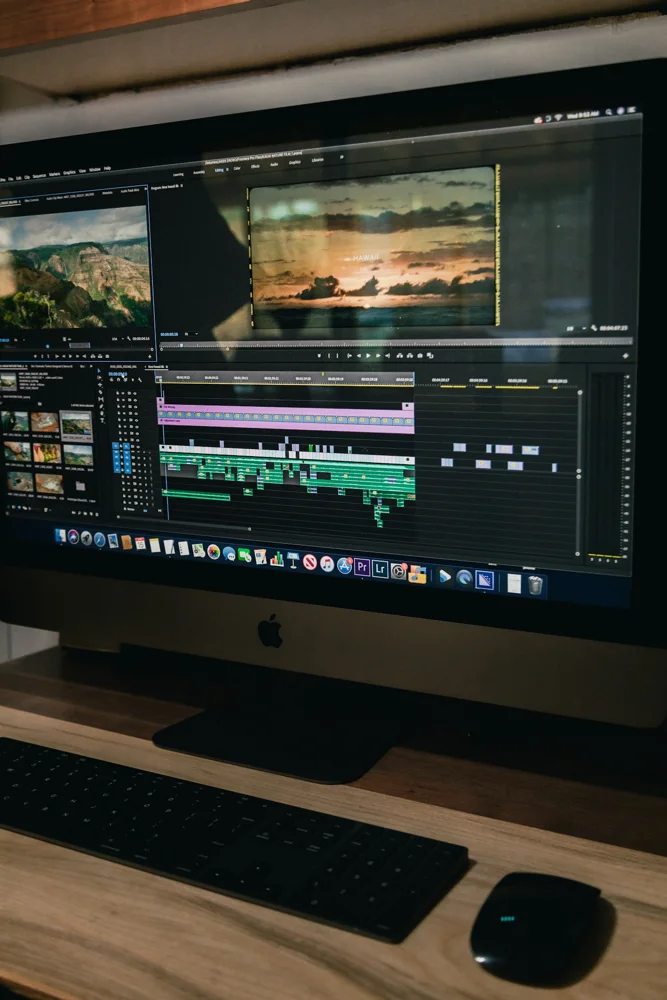
Create images and video. Combine footage, music and captions, then export your content for the channel you need.
Explore the features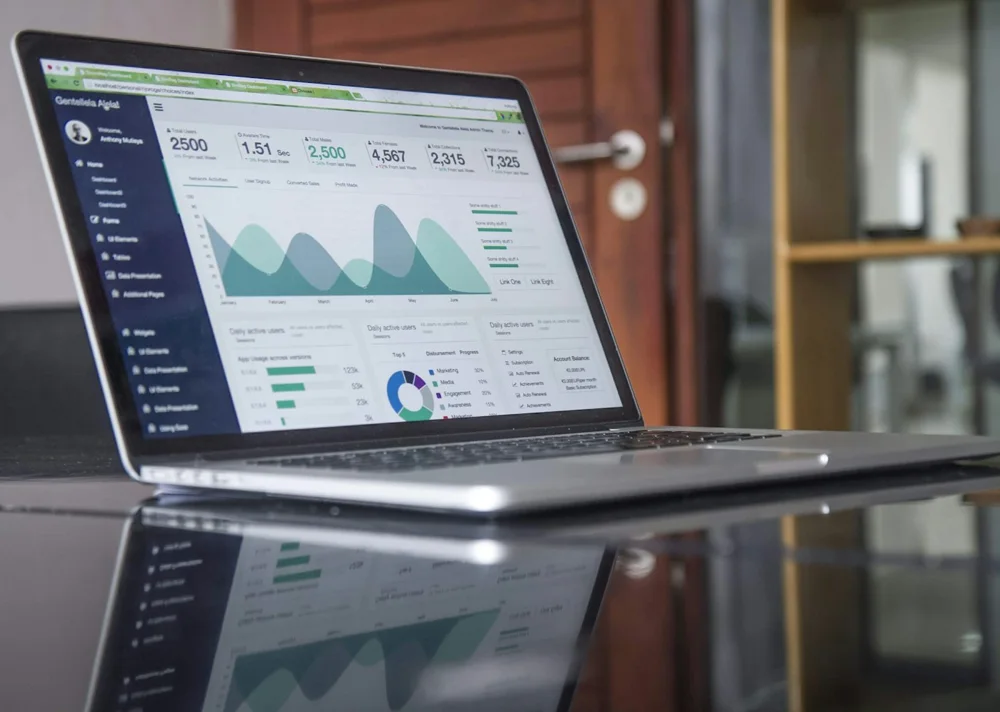
Bring together spend, leads, conversions and revenue from connected sources to assess performance and profitability.
Explore the features
Keep contacts, opportunities, tasks and appointments together. Organise next steps and your team’s approvals.
Explore the features
Prepare email, SMS and Viber campaigns. Add a chatbot or voice assistant for different customer service needs.
Explore the features
Manage hosting, domains and email, alongside backups and WordPress. Keep track of the status of your services.
Explore the features
Organise role-based access, client collaboration and recurring workflows. Keep your team’s actions and files in order.
Explore the featuresCreate images, write content, assist customers and build applications. Discover where AI lives in NCPMEDIA tools and what you can do with it.

Create images, product photos, AI characters and video from your description. Refine the result and make it your own.
WHERE YOU CAN USE IT
Answer questions with AI assistants, help visitors discover products and set up voice support. Turn your written content into narration, too.
WHERE YOU CAN USE IT
Draft articles, social posts, newsletters and advertising campaigns with AI assistance. Review and refine them before publishing or sending.
WHERE YOU CAN USE IT
Describe the page, application or plugin you need. Work with AI on structure, content and code, review the changes and keep building.
WHERE YOU CAN USE ITDescribe your idea. Review the result. Make it your own.
Explore the toolsConnect the apps you use every day. Social media, advertising, online stores and calendars, through NCPMEDIA.
 Facebook
 Instagram
 Google Ads
 TikTok
 X
X YouTube
 LinkedIn
 WordPress
 WooCommerce
 OpenCart
 Google Search Console
 Google Calendar
 Microsoft Outlook
 Viber
Viber
Are you an agency, freelancer or technology professional? Combine your expertise with NCPMEDIA tools and bring more solutions to your clients.


Launch Meta, Google and TikTok campaigns with AI-assisted planning, copy and creatives.


Capture leads, manage sales and appointments, and communicate through email, SMS, Viber, chatbot and an AI Voice Agent.

Cloud Infrastructurevision servers, domains, DNS, SSL, email, backups and deployments without tool sprawl.
Launch Meta, Google and TikTok campaigns with AI-assisted planning, copy and creatives.
Capture leads, manage sales and appointments, and communicate through email, SMS, Viber, chatbot and an AI Voice Agent.
Cloud Infrastructurevision servers, domains, DNS, SSL, email, backups and deployments without tool sprawl.














“It’s not just another AI tool. It actually fits into our product and improves how everything works behind the scenes.”


“We use it in every sprint. Automation flows cut our release prep time by almost half.”

Combine the tools that fit your business and manage them in one workspace. With clear billing options for every need.
Explore tools & pricingChoose the plan that fits, separately for each tool.
Add credit for AI images and videos and use it for your creations.
A 7-day free trial on tools that offer it. Check the limits and terms on each tool’s page.
What you need to know before getting started with NCPMEDIA.
Have another question?NCPMEDIA brings together tools for marketing, AI, customer management and infrastructure. Choose the tools that fit your business in the Tool Shop and manage them through your account.
No. Tools are priced individually, so you can choose the ones you need. Each product page explains what is included and how billing works.
Many tools offer their own 7-day free trial with defined usage limits. Trials for tools billed by usage may differ. Check the trial terms on the product page before getting started.
Depending on the tool, billing uses a monthly subscription or usage-based charges. Prices, included limits and any additional charges are shown on the product page and before purchase. See pricing by tool for details.
Integrations include platforms such as Meta, Google, TikTok, WordPress, WooCommerce and OpenCart. Available features depend on the tool, your account type and the permissions granted when connecting. Explore the available integrations.
Many tools require no coding for everyday use. Setup instructions and step-by-step tutorials are available. Some website or infrastructure connections may need help from your administrator.
Browse the tutorials or contact our team. If you already have an account, you can also use the support centre in the portal.
Yes. If you are an agency, freelancer or technology professional, visit our partners page and complete the enquiry form to discuss your needs and a partnership plan.